App Store & Google Play screenshots.
Build a matching series for iPhone, Android, iPad, and more. Portrait or landscape, with built-in store size presets.
Single slides · Matching series · Two-slide panoramas
 henscreenshots
Store screenshots, banners, and portfolio mockups. Made in your browser.
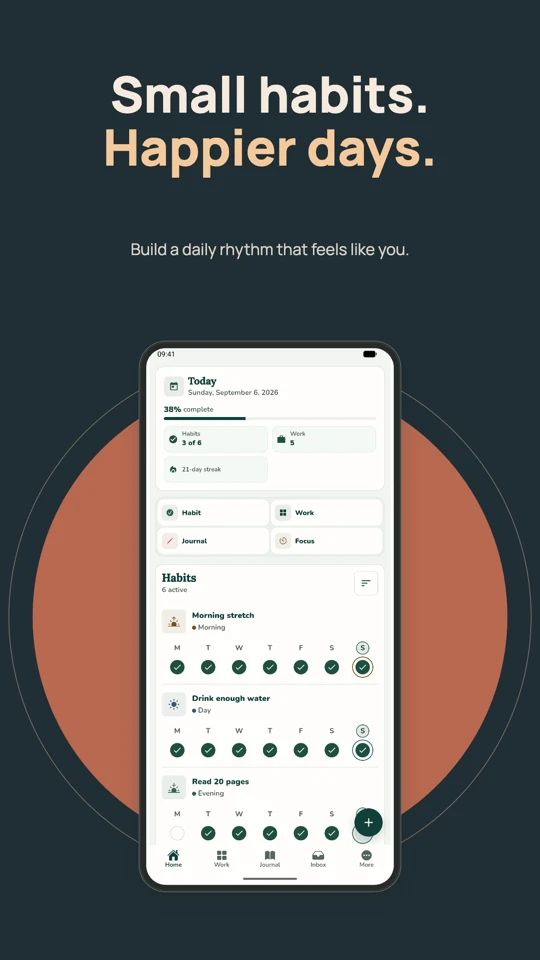
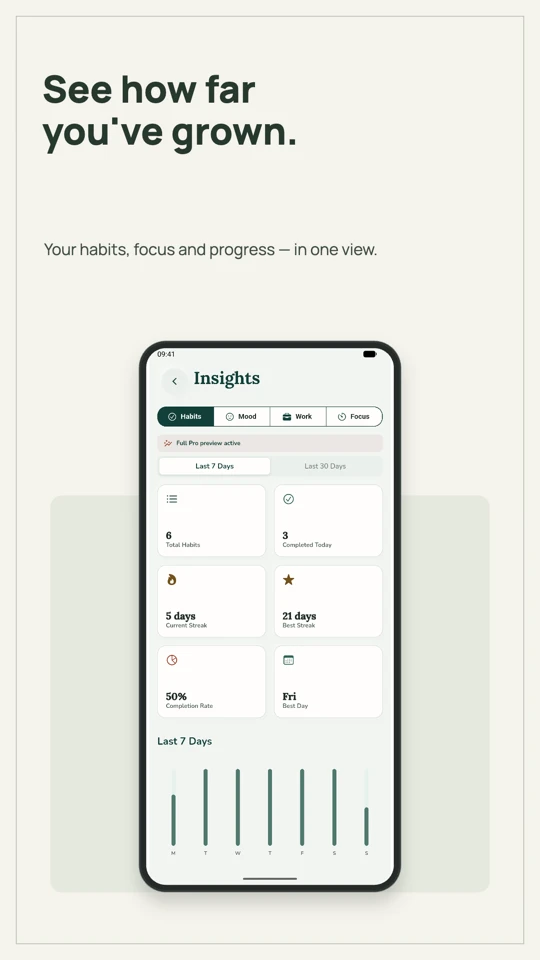
Free forever. No account. No watermarks.
Open source Phone, tablet & desktop Free caption translations
Launching an app? Updating your portfolio? Start with the right canvas, then make it yours.
Build a matching series for iPhone, Android, iPad, and more. Portrait or landscape, with built-in store size presets.
Single slides · Matching series · Two-slide panoramas
Project cards, square posts, or wide website visuals. Choose a preset or set your own dimensions.
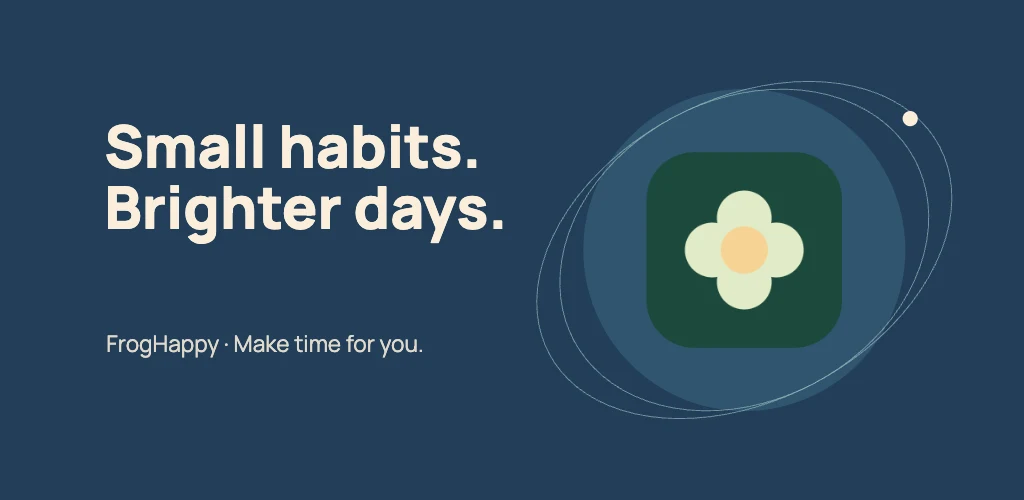
Add your artwork or app icon. Create a 1024 × 500 feature graphic or a 1280 × 720 Android TV banner.
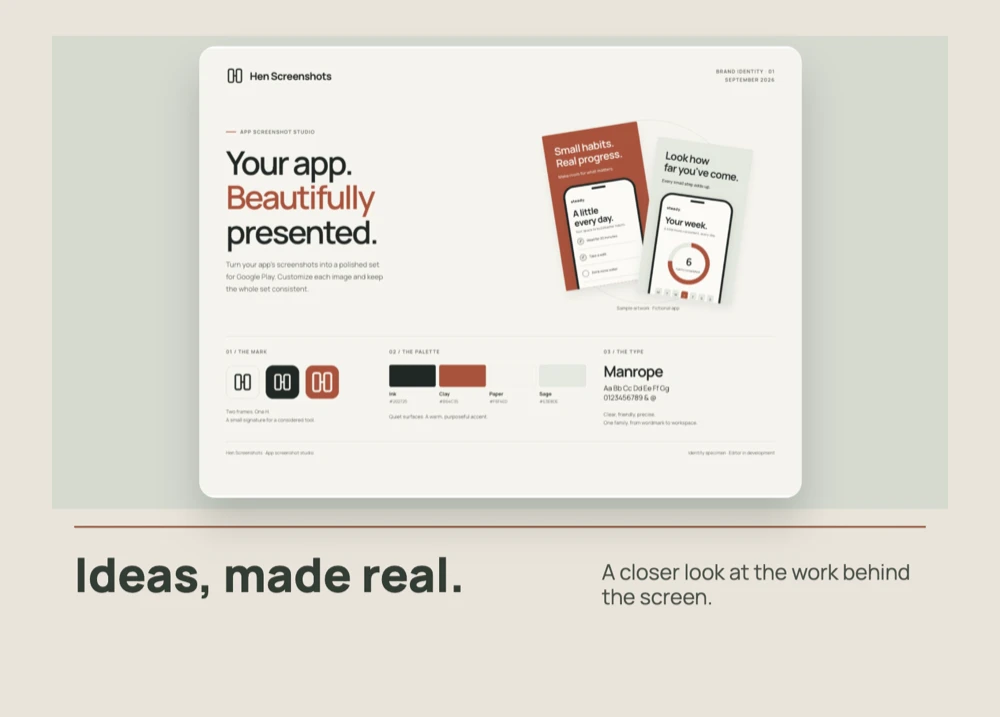
Actual designs exported from Hen Screenshots. Your screenshots go here.
Give every language its own words while keeping your layout linked. Review your captions, then export a folder for each language.
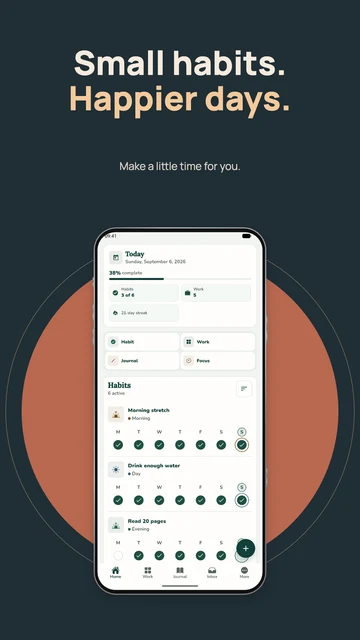
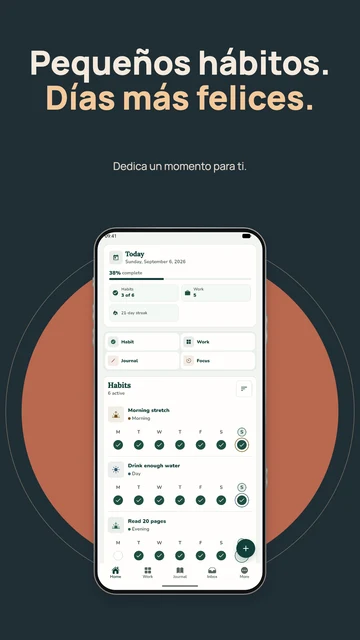
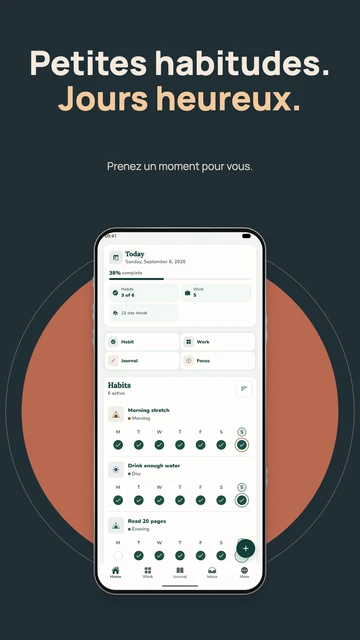
en/es/fr/
 OPUS-MT
By Helsinki-NLP · Models on Hugging Face
OPUS-MT
By Helsinki-NLP · Models on Hugging Face
Translate for free with optional downloadable models. Your captions are processed on your device, without sending them to a translation service.
Each directional language pack is about 112–120 MB, plus shared files on first use. Some language pairs need two packs. The studio shows the download details before you start. Always review automatic translations before publishing.
Minimal, bold, dark, colorful, or seasonal. Search by style, filter by layout, and save your favorites for the next launch.
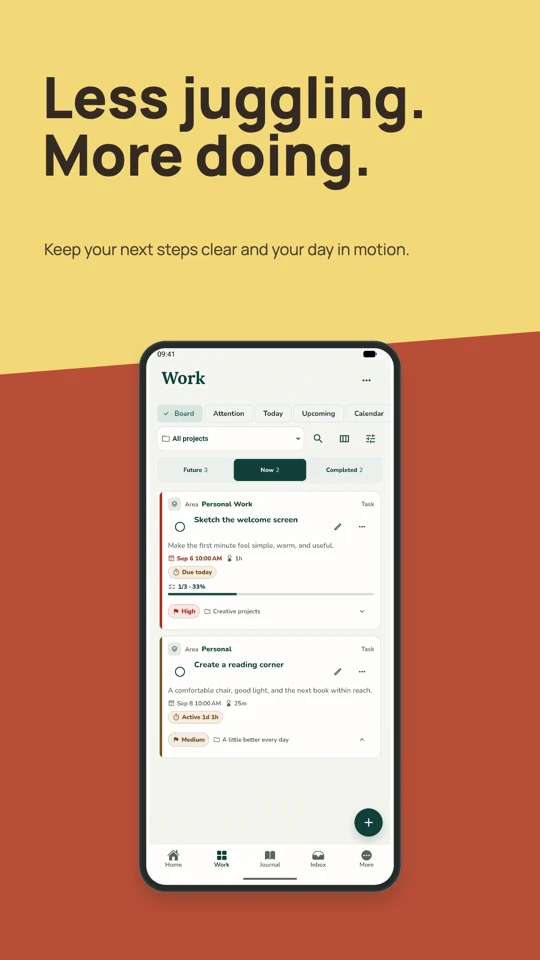
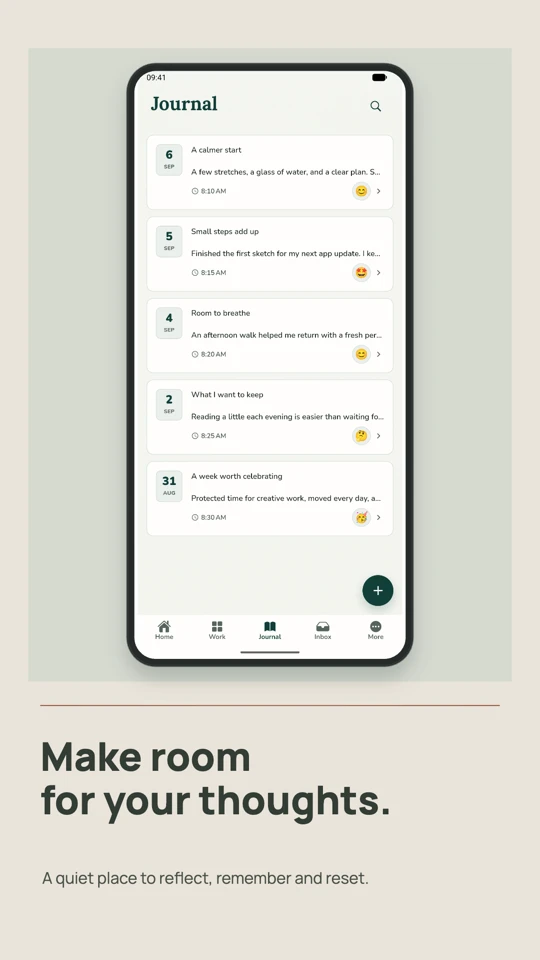
4 of the 57 templates in the studio.
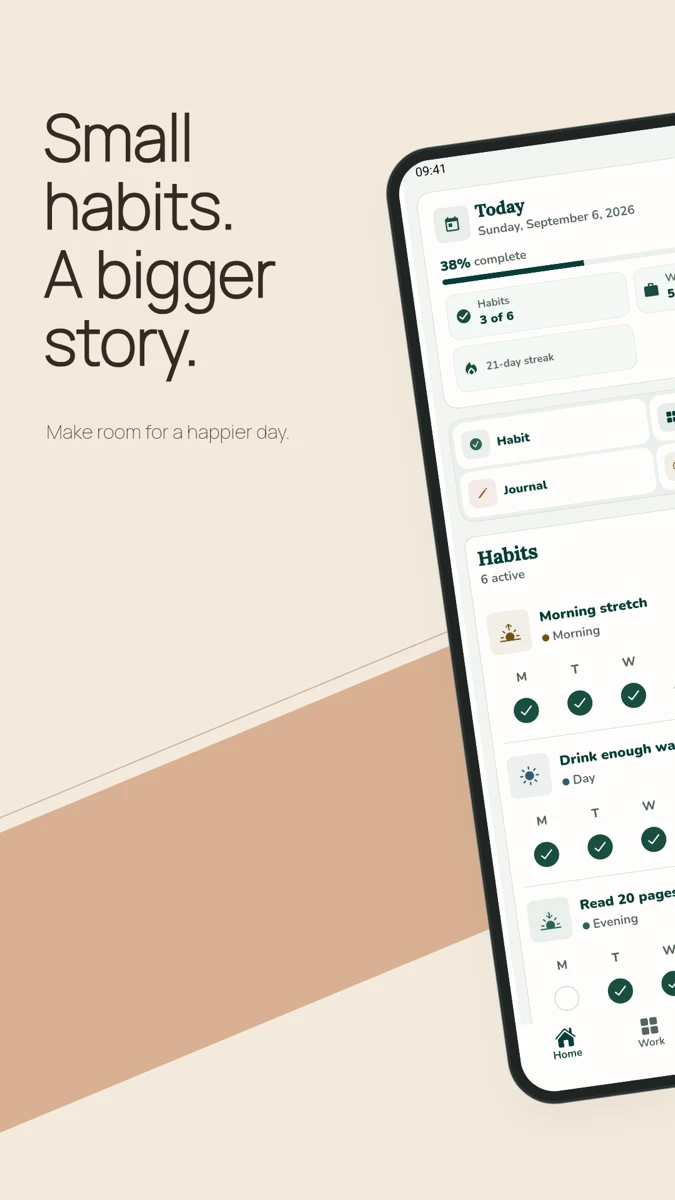
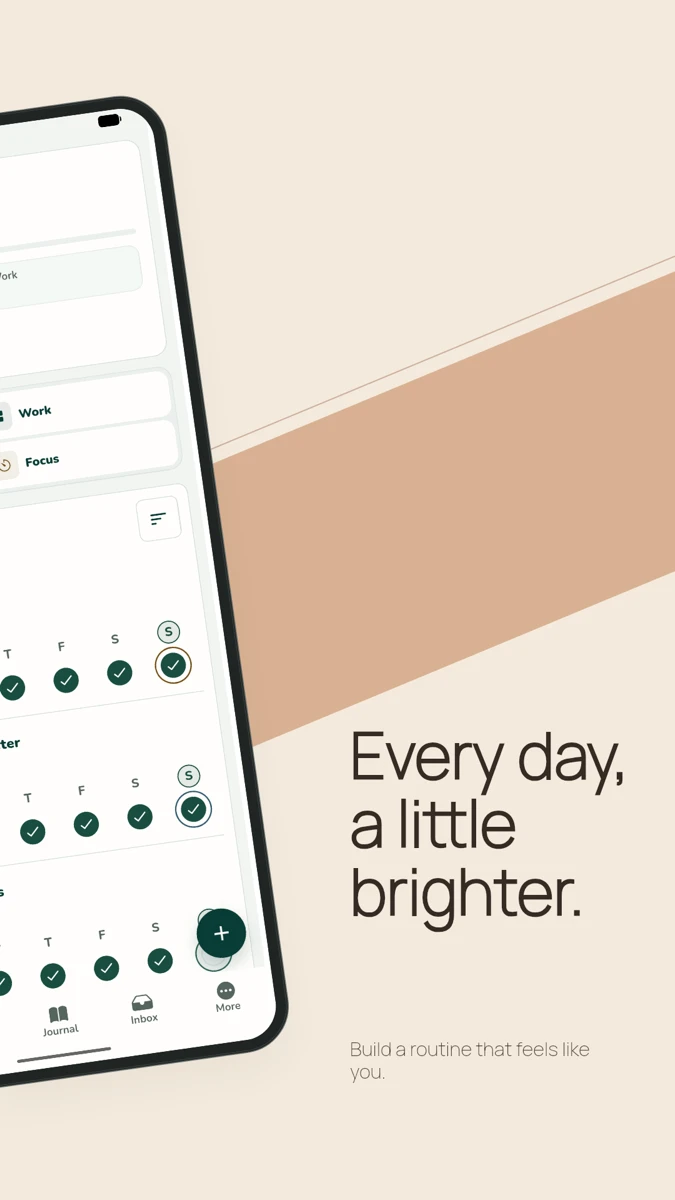
Let your design flow from one screenshot into the next. A shared background and device connect the scene, with room for a different message on each slide.
Design them together. Export them as two separate images, ready for your store listing.
Show mobile, tablet, and desktop side by side. Each device gets its own screenshot, frame, size, and position.
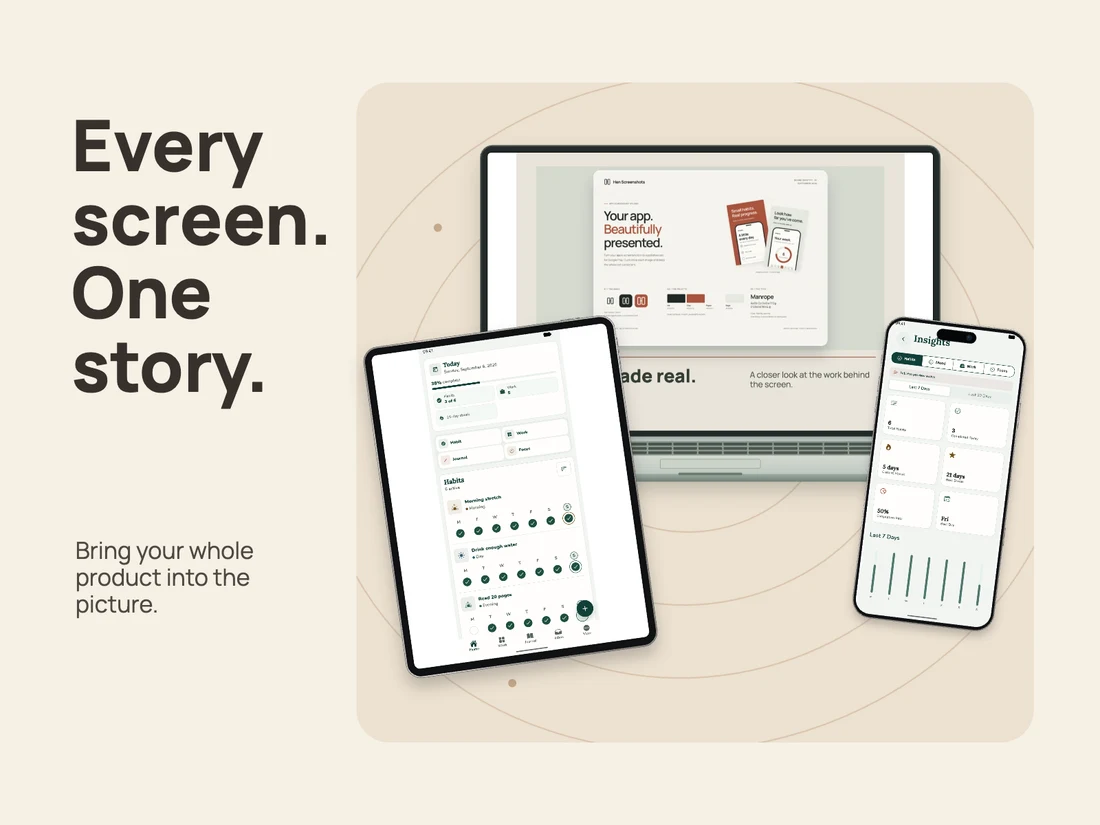
The template is a starting point. Keep the details that make your app yours.
Save colors and fonts in a kit for each app. Apply the look to a slide or the whole series.
Add your own background image and set its fit and opacity. Layer logos or awards above your screenshots.
Save a slide or a panorama in My templates. Keep your text and artwork, then reuse the layout with fresh screenshots.
Export a .hentemplate file to share your design or keep a backup. Your template library stays in this browser.
Choose App stores, Portfolio, or Banners. Add your captures or artwork; the studio helps you check and convert supported images.
Pick a template, choose a frame, and make the colors and captions your own. Apply the style across your series.
Download a PNG or your whole set as a ZIP. Use App Store and Google Play size presets, or set your own portfolio dimensions.
Every template, every frame, and full-resolution exports are free. No account to create. No watermark to remove.
Built by Hensell for his own apps, and for the things you’re building, too.
Create for freeOpen source under the MIT license. Explore the code, report a bug, or contribute your next idea on GitHub.
Enjoying Hen? Give it a star on GitHub to help more people discover it.
 Star on GitHub
You can support Hen’s development on Ko-fi. Donations are optional; the studio stays free forever.
 Support on Ko-fi
Yes. Add a background in Design, arrange your text and images, then choose Save as template. Reuse it from My templates, or export a .hentemplate file to share it. Device screenshots become empty slots for new captures; background images and logos are included, so check them before sharing. Each use creates an independent copy.
Text inside an uploaded image stays part of the image. Add captions in the editor to keep them editable.
Yes. Create language versions and edit captions manually, or download optional OPUS-MT models for automatic translation between English, Spanish, French, and German. Other supported project languages use manual editing. Layouts stay linked, and your ZIP export contains a folder for each language.
Yes. Hen Screenshots is free to use, including every template, device frame, and full-resolution export. There’s no subscription or paid tier.
Your captures are processed in your browser. Projects, brand kits, and personal templates stay on this device, with no upload or cloud sync. Export each as a project, kit, or template file to keep a backup or move to another browser. Clearing site data deletes these local libraries.
Yes. The App stores workspace includes size presets for the App Store and Google Play. Exports are checked for the selected dimensions and opaque RGB PNG format. Choose the preset for your device and listing; the editor links to each store’s current requirements.
Yes. The Portfolio workspace includes rectangular cards, square and portrait layouts, wide canvases, and custom dimensions. Pair them with a phone, tablet, monitor, laptop, or simple screenshot frame.
No. Open the studio in your browser and start a project. A larger screen gives you more room to compose, and your project files let you take your work with you.
Enjoying Hen Screenshots? Tell me what you like, suggest an improvement, or share a template you’d love to see.
hensell@hensell.dev